CaddyTrack is a subscription free web app marketed towards millenial parents that just want to upload their own MP3 files and access them on the go!
Online Music Library For Millenials
We live in the age of digital subscriptions and are inundated daily with companies trying to nickel and dime us with every little service. Paying for ad-free often seems like the way to go, especially if it’s a service a busy parent needs during long commutes. Enter CaddyTrack – the subscription free web app marketed towards Millenial parents that just want to upload their own MP3 files and access them on the go!
- Online user storage of MP3 music files
- Minimalist + intuitive user interface design
- User-friendly file management system
I came to Steve with an idea and he actively worked and collaborated alongside me to develop exactly what I was looking for! Throughout the entire process, he was consistent, professional, and reliable; it often felt like he was thinking three steps ahead — I’d make requests or bring him ideas I had and he’d be like, “Boom! I got you!” He really made it happen for me and I can’t recommend him highly enough! If you need someone who is a creative out-of-the-box problem solver, a great communicator, and reliable, then he’s your guy.

In a world in which we are inundated with paid digital subscription services, consumers tired of businesses trying to nickel and dime them at every turn want to push back in any way they can. As of 2025, there are approximately 74 million Millenials in the United States; roughly 22% of the U.S. population. Having grown up in the ’90s and the 2000s, Millenials were accustomed to owning their media, with 85% reporting ownership of physical or digital media files. The client’s goal was to parlay those statistics into a viable subscription-free online storage platform that provides users with a hassle-free way to play their music from their mobile devices or desktop computers.
User research was a vital jumping off point for us to create an app to suit user needs. We developed a survey of 15 questions and collected responses from 100 participants who fell into the Millenial generation classification (born between 1981 and 1996). One of the biggest pain points of subscription music/audio streaming services exposed by our data was that users (88%) expressed hitting a ceiling on monthly fees, often compounded by having multiple subscription services to fulfill all their needs. Another notable pain point was gaps in licensing, such as niche genres, local indie bands, or 2000s-era mixtapes. As a massive 85% of respondents reported ownership of physical or digital media files, the obvious solution was to design and develop a platform for users to upload and store their own music that they could then access and play at their leisure.
An estimated 40-60% of millenials have a paid subscription for a music streaming service
The average monthly fees spent on music streaming services is estimated around $12-15 per paying millenial subscriber
For millennials (roughly people born ~1981-1996), it is estimated that between 20-30% still own MP3 files
Spotify, Apple, and YouTube have all raised prices in 2024–2025 by $1–2/month
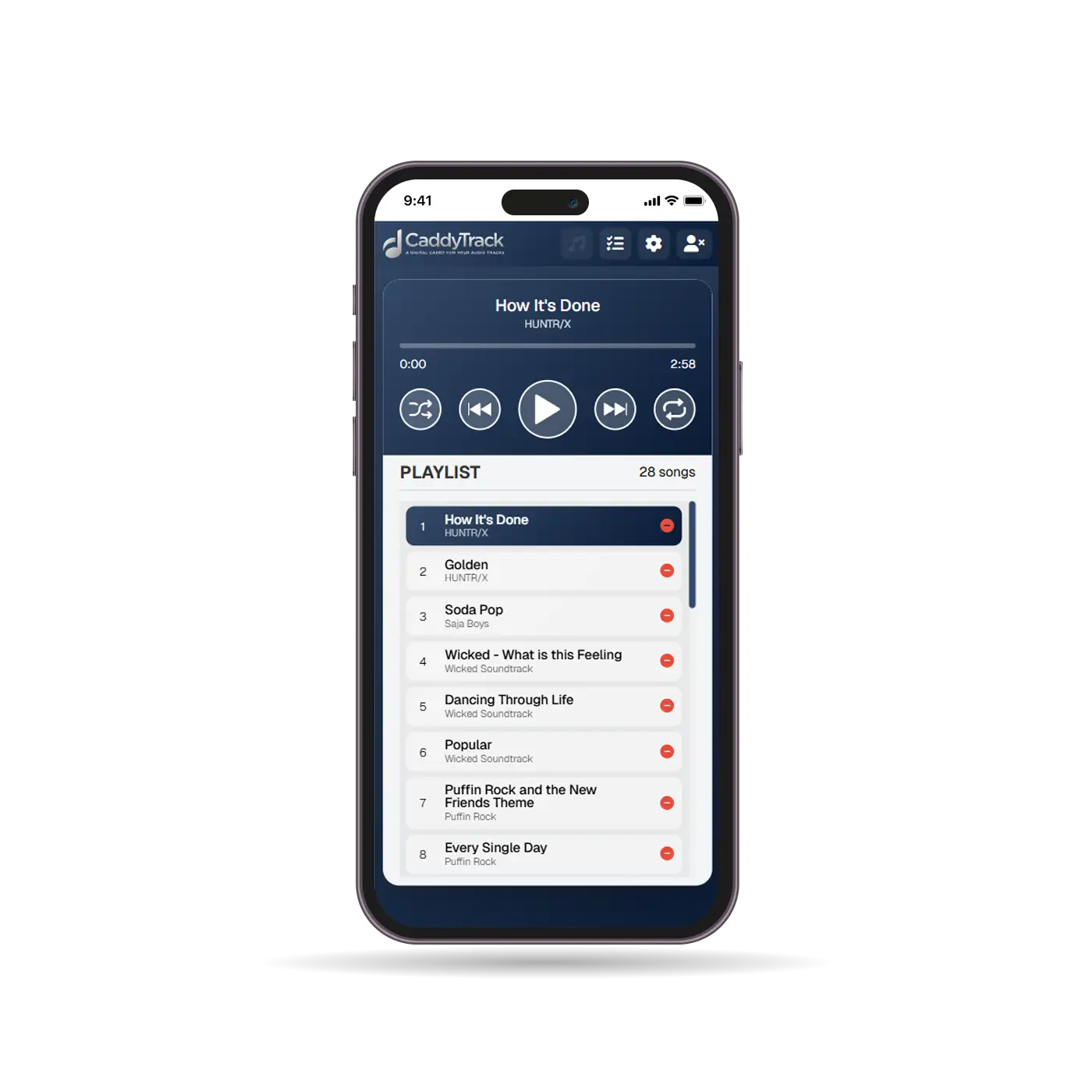
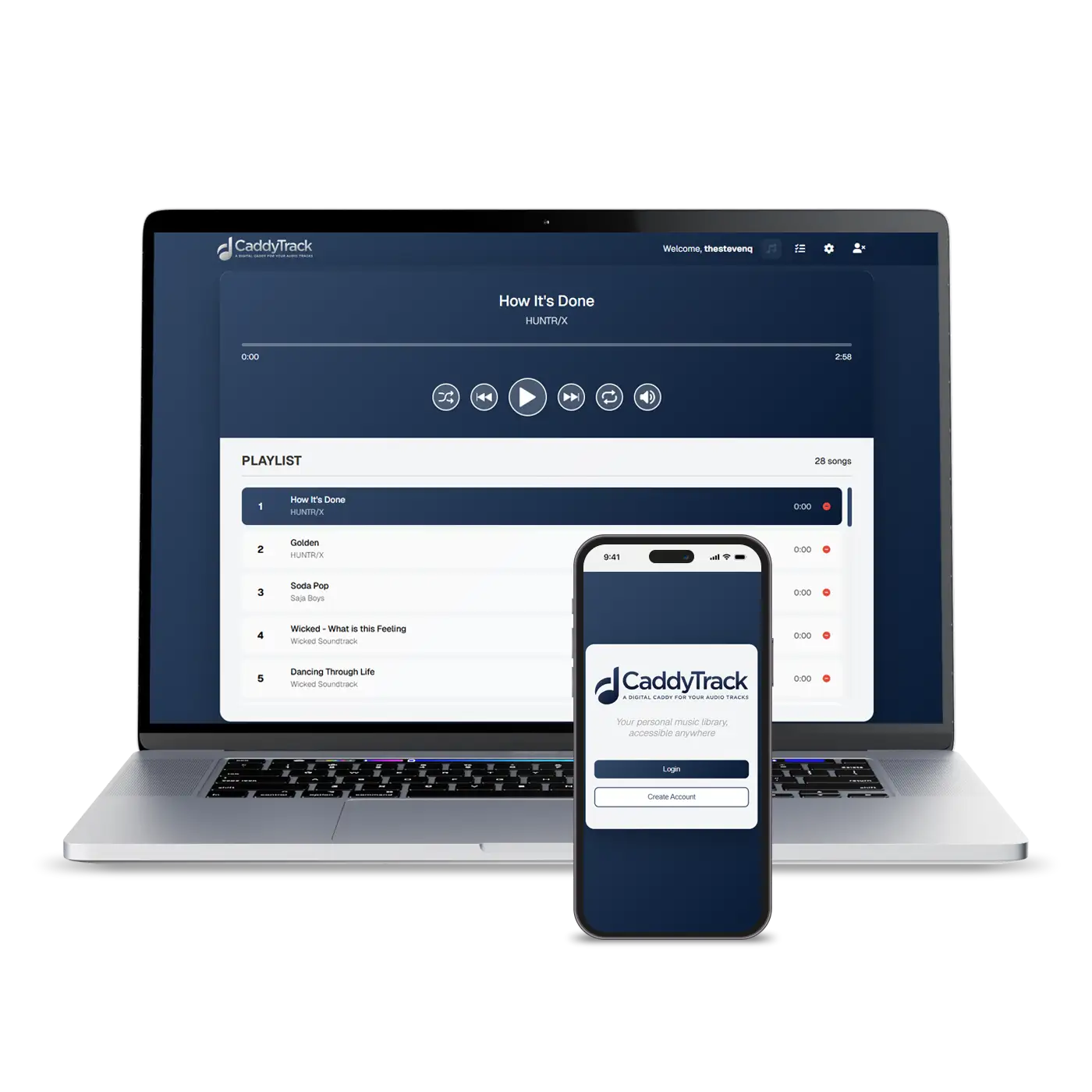
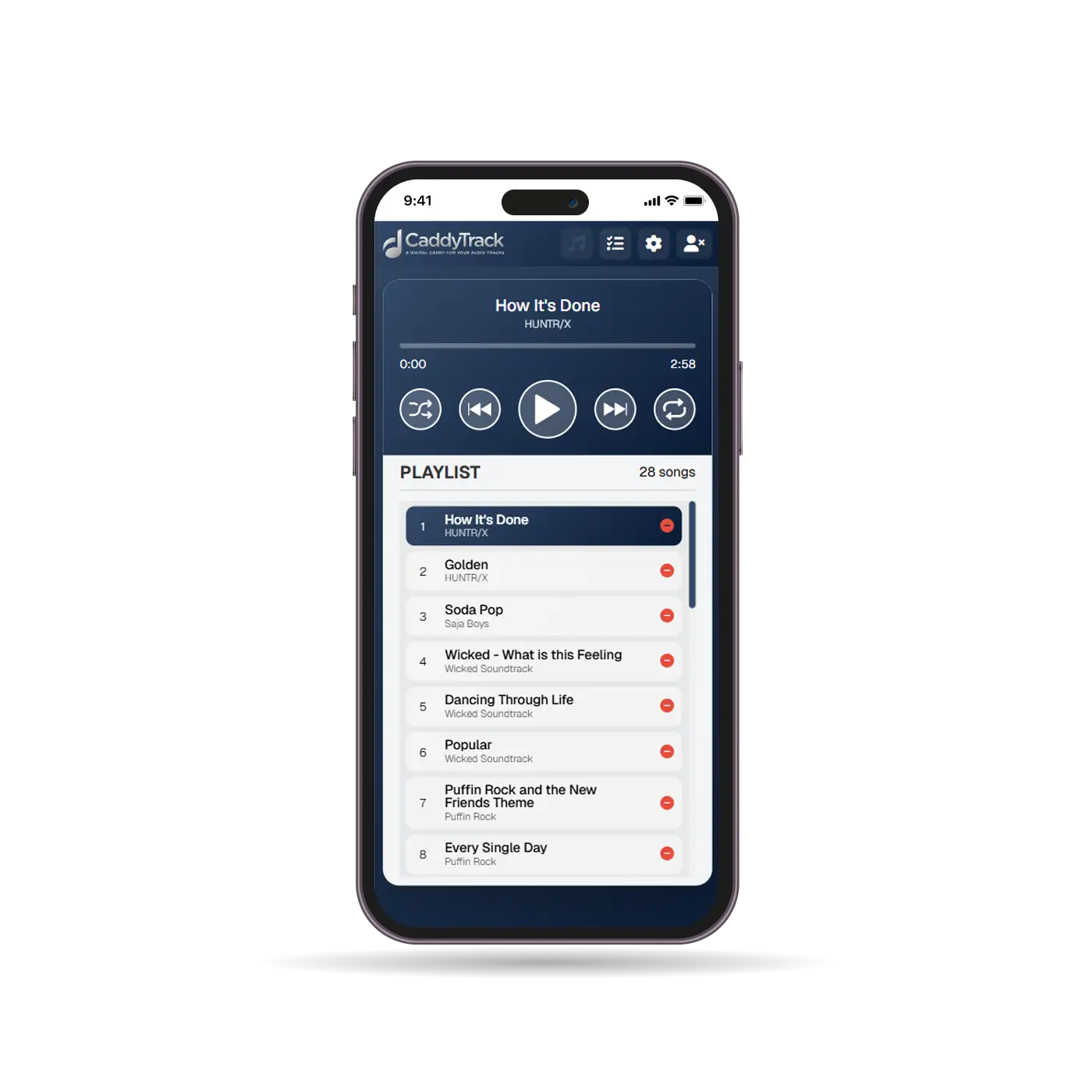
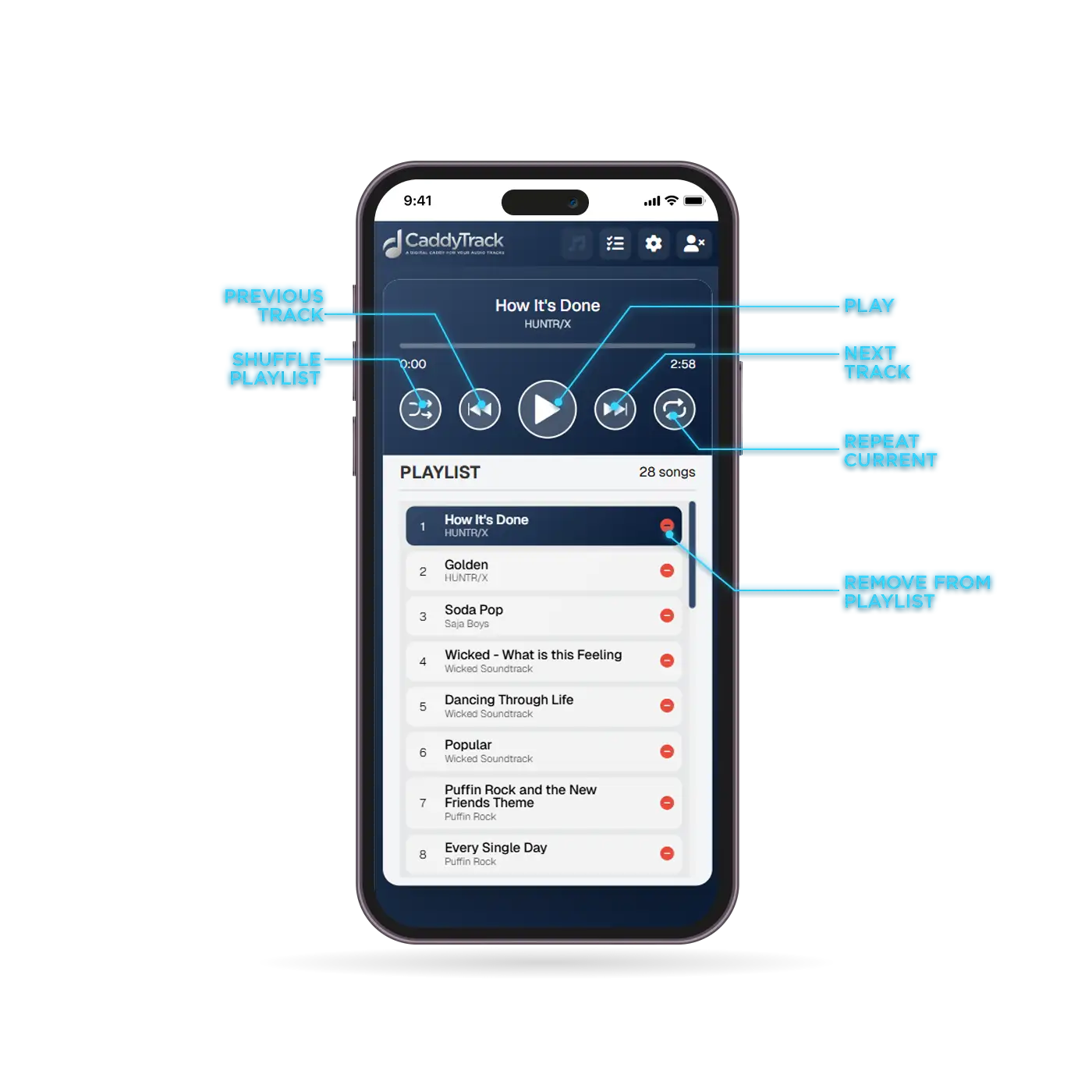
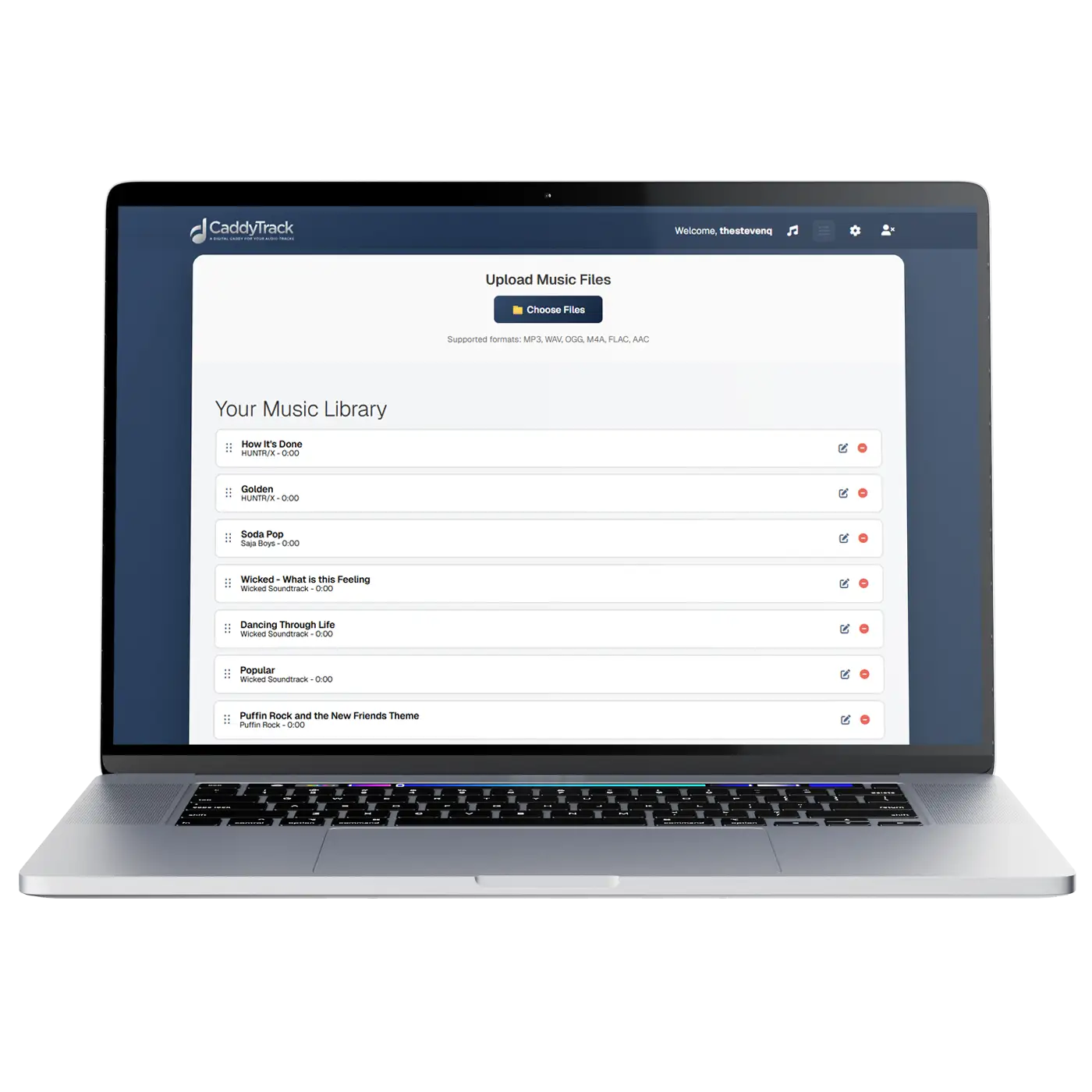
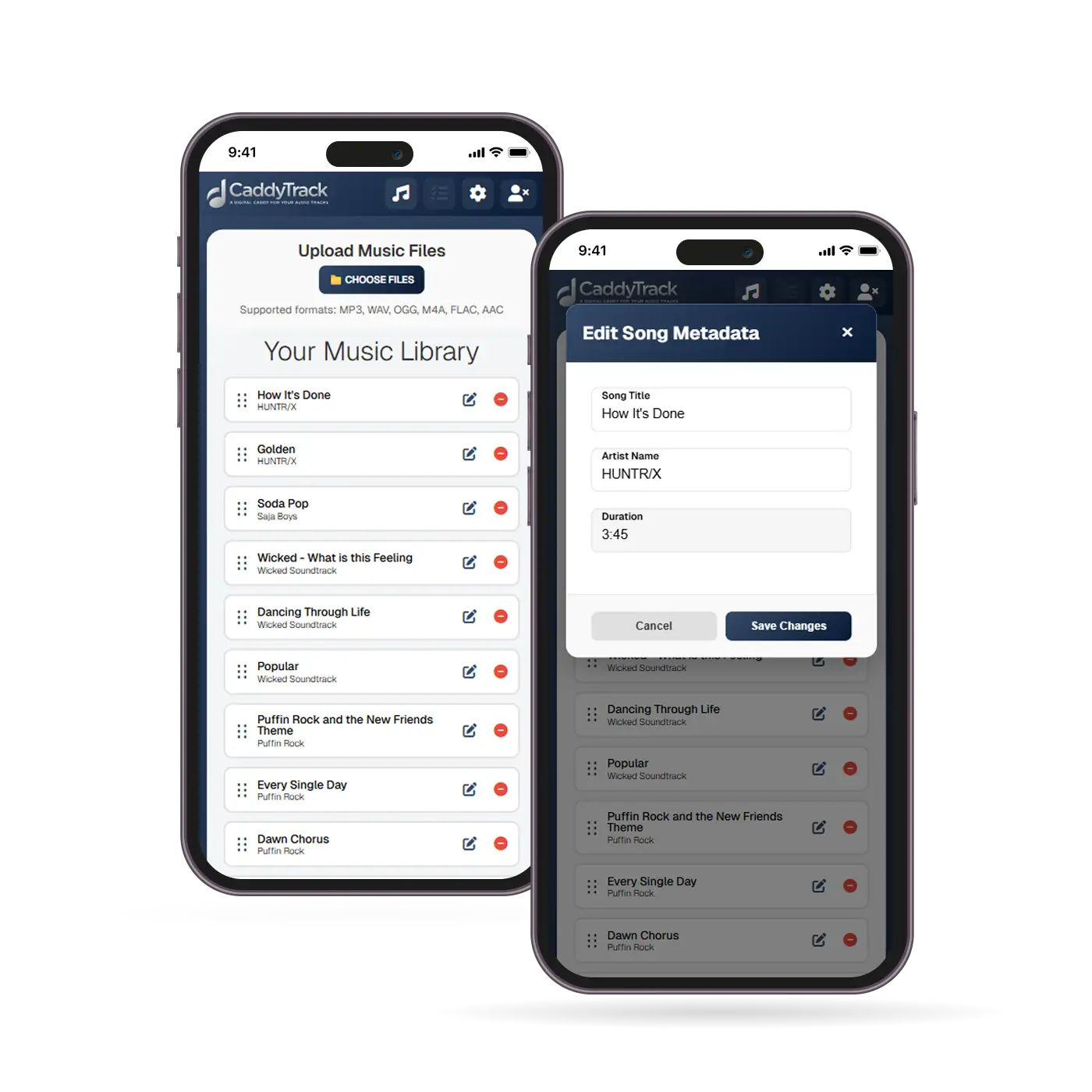
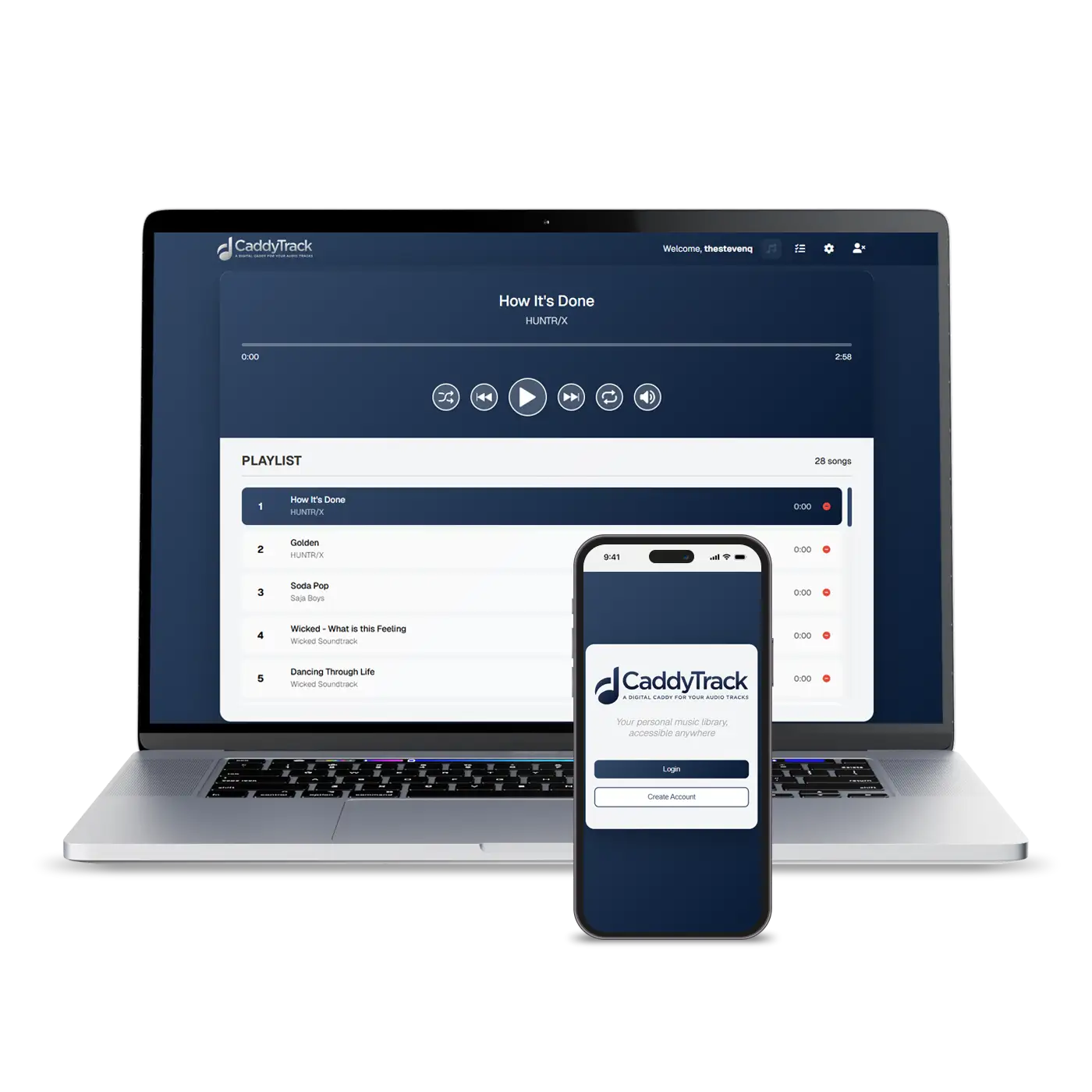
Having a smooth and enjoyable user experience was paramount — I focused on having a clear and intuitive user interface and seamlessly reliable functionality. In designing the audio player, I aimed to create a minimalist layout that would avoid drowning users in confusing symbols/icons masking superfluous features. Aside from the basic functions of play, next, back, our mobile layout would include a shuffle button and a repeat button. Another thing that I factored in was that many Millenial users may also be liable to prefer uploading their media via a desktop browser or app, thus it was also important to have immaculate consistency and continuity in the user experience, so that users could have a smooth and uninterrupted experience moving between devices. I also included user desires unearthed by the survey, such as the option of metadata editing so that uploaded files with names like “Track 01” would be renamed by users.
42% of our Millenial respondents expressed frustration with user interface bloat in the streaming audio service apps they subscribed to
61% of survey participants felt “pigeonholed” by AI that plays the same 40 songs “essentially on repeat”
After developing a low-fidelity prototype, I conducted a usability study to test how seamless our user experience was. A study was developed to understand how efficiently users could complete tasks within the app. The initial design was found to be lacking in terms of navigation which was quickly remedied in the second-iteration. One function that the majority of study participants expressed a need for was the ability to remove an audio file from the playlist while using the audio player (but not permanently). Upon revising the prototype study participants expressed a much higher confidence in the product and demonstrated ease completing assigned tasks.
80% of the usability study participants expressed a need to remove an audio file from the music player on the fly
3 out of 5 study participants wanted more clear navigation
Once the usability study was completed, I created a list of prioritized actionable insights to be addressed in developing the final product. Accessibility standards were factored in and were double-checked against our user interface to ensure inclusivity. The finishing touches of the launch design included: multiple-file-select upload, drag-and-drop reorderable playlist editor, and the ability to edit audio file metadata.
This project was an incredibly enlightening experience for me. Aside from being an idea I strongly believed in, the end product also served as a solution to a problem I personally experience on a daily basis. I learned a tremendous amount of coding and structure in order to build the finished product, much of which were intermediate-to-higher developer level.
Some things I learned:
- Building a music / audio player
- Searching a directory via PHP and returning the results as JSON
- Developing and working with handler files